
Blog
5 Best Instagram Video Downloaders in 2026 (Tested & Compared)

Apr
Let me be upfront about something: most “best Instagram downloader” roundups are written by people who haven’t actually used the tools. They scrape a list, add some specs, and call it a review.
This one is different. As someone who works in social media and digital marketing, I use Instagram downloader tools regularly — for content research, archiving client material, and saving reference videos for campaigns. Over the years, I’ve developed a clear picture of which tools actually deliver and which ones waste your time.
Here’s what I look for in a good Instagram downloader: it works without requiring a login, it delivers the original file quality without re-compression, it handles multiple content types (not just Reels), and it doesn’t bury the download button under seventeen layers of pop-up ads. Simple criteria — but surprisingly few tools meet all of them.
These five do.
1. SnapInsta — Best Overall Instagram Downloader

After testing every tool on this list across multiple devices and content types, SnapInsta consistently comes out on top for everyday use. The reason isn’t any single feature — it’s the combination of speed, reliability, and how cleanly it handles the full range of Instagram content.
Feed videos, Reels, Stories, Photos, carousels, IGTV, profile pictures — SnapInsta handles all of them from a single interface. Most tools specialize in one or two content types and handle the rest poorly or not at all. SnapInsta is genuinely comprehensive, which matters when you’re working with Instagram content regularly and don’t want to maintain a different bookmarked tool for every content type.
The interface is clean and fast. You paste a link, click Download, and get the original file within 15 to 30 seconds on a decent connection. No mandatory account creation, no email required, no Instagram login. Just a link and a file. On mobile, it works just as smoothly as on desktop — which is not a given with browser-based tools.
Bulk download support is a genuine differentiator at the free tier. For content researchers and social media managers pulling multiple pieces of reference material, this saves significant time compared to tools that force a one-at-a-time workflow.
The downloaded file is the original MP4 or JPEG from Instagram’s servers — no added watermark, no re-compression. What you get is identical in quality to what exists on Instagram’s CDN.
Best for: Anyone who downloads Instagram content regularly across multiple content types — social media managers, content creators, researchers, and everyday users who want one reliable tool that covers everything.
Try it: snapinsta.pro
2. SaveFrom — Best for Multi-Platform Downloads

SaveFrom earns its spot near the top of most comparison lists for a specific reason: it goes beyond Instagram. If your workflow involves downloading content from multiple platforms — not just Instagram, but also other video sites — SaveFromIns handles the broader use case well.
For Instagram specifically, it supports Reels, Stories, and IGTV with a straightforward paste-and-download workflow. HD quality output, no login required, and a clean enough interface that most users can figure it out without instructions.
The main limitation compared to SnapInsta is bulk downloading — it’s limited at the free tier and requires additional steps for multi-item carousels. For users who primarily need single-video downloads across different platforms, that limitation is irrelevant. For anyone working primarily within Instagram, it’s worth noting.
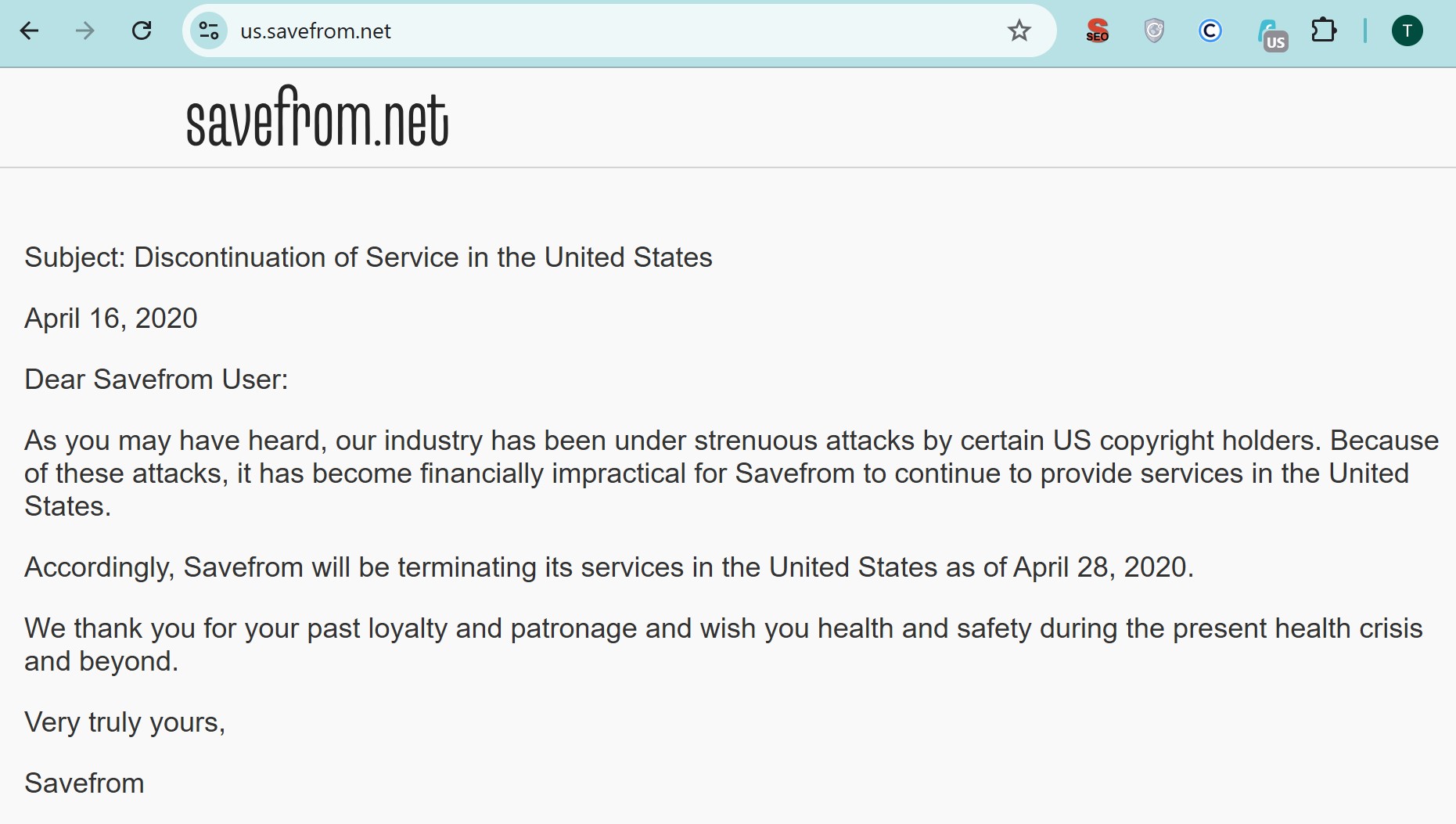
One more things, Savefrom is suspended in the US. So, US users need to turn on a VPN service, change the IP to other country to download IG video from Savefrom.
Best for: Users who download content from multiple platforms and want one tool that handles all of them, rather than separate tools per site.
3. FastDL — Best for Quick, No-Fuss Downloads
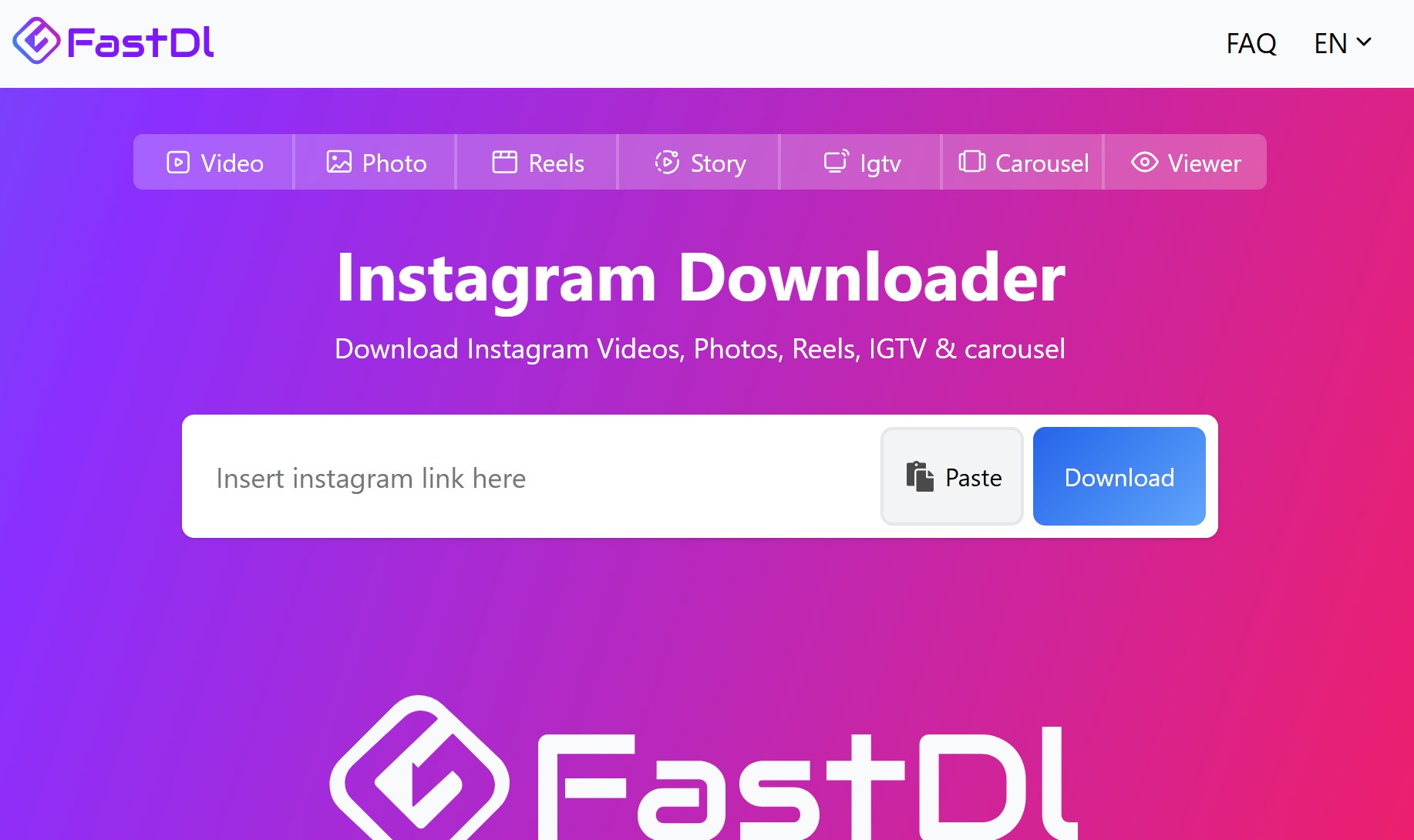
FastDL does exactly what its name suggests. The interface is minimal — almost aggressively so. There’s an input box, a button, and not much else. If you’ve ever landed on a downloader site and spent 30 seconds trying to find the actual download button amid a forest of ads, FastDL is a refreshing contrast.
Speed is genuinely impressive. Processing times are among the fastest I’ve tested for standard Reels and feed videos. The one-click workflow is as frictionless as browser-based downloading gets.
The tradeoffs are real though. Bulk download isn’t supported — each video requires its own separate process. And while the interface is minimal, ads are present. They’re manageable, but users who are ad-sensitive will notice them.
FastDL also covers Reels and Stories well but is less comprehensive across all Instagram content types compared to SnapInsta or SaveFromIns. For occasional, casual use where speed matters most, it’s excellent. For regular professional use across multiple content types, the lack of bulk support becomes limiting.
Best for: Casual users who want to save a video quickly and move on, without needing bulk functionality or comprehensive content type coverage.
4. Inflact — Best for Professional and Bulk Downloads

Inflact sits in a different category from the other tools on this list. Where most Instagram downloaders are built for individual users saving content one video at a time, Inflact is built with marketers and researchers in mind.
The standout feature is profile-level downloading — the ability to pull content from an entire Instagram account rather than link by link. For competitive research, content audits, or archiving a client’s historical posts, this is genuinely useful functionality that none of the purely browser-based tools offer.
Inflact also includes analytics integration, which puts it in a different product category altogether. It’s less a downloader and more a suite of Instagram tools that includes downloading as one component. For users who need that broader functionality, the additional features justify the additional complexity.
The tradeoff: Inflact is not as simple as the other tools here. The interface has more options, more steps, and a steeper learning curve. For someone who just wants to save a Reel quickly, it’s overkill. For a social media manager running a content research workflow, it might be exactly the right level of depth.
Best for: Marketers, social media professionals, and researchers who need bulk and profile-level downloading alongside analytics features — not for casual everyday use.
5. 4K Stogram — Best for Desktop Archiving
4K Stogram is the only desktop application on this list, and it earns its place by doing something the browser-based tools simply can’t: automated, scheduled account backups.
The auto-subscribe feature is the key differentiator. You subscribe to an Instagram account within 4K Stogram, and the app automatically downloads new content as it’s posted. For archivists, researchers tracking accounts over time, or anyone who wants a local backup of specific profiles, this set-it-and-forget-it functionality has no real equivalent in the browser-based space.
4K quality support is also genuinely impressive — the app retrieves the highest available resolution, which matters for anyone working with downloaded content professionally.
The caveats are significant, however. 4K Stogram requires installation on your computer. Full functionality requires account setup, which means it doesn’t meet the “no login” criteria that the other tools on this list satisfy. And as a desktop app, it obviously doesn’t work from a phone.
It’s also worth noting that desktop apps for social media downloading carry a different risk profile than browser-based tools — you’re installing software on your machine, which requires a higher level of trust in the developer. 4K Stogram has a long track record and transparent development, which mitigates this concern, but it’s worth being aware of.
Best for: Desktop users who want automated account archiving, 4K quality, or hashtag and location-based bulk downloads — and are comfortable installing dedicated software.
How to Choose the Right Tool for You
After going through all five, here’s the honest summary.
If you want one tool that handles everything — all content types, mobile and desktop, no login, reliable speed — SnapInsta is the answer. It’s the most consistently reliable option for the widest range of use cases, which is why it tops this list.
If you download content from multiple platforms beyond Instagram, SaveFromIns adds value through its cross-platform support.
If you need something fast and simple for occasional use and don’t need bulk functionality, FastDL delivers on its core promise.
If you’re a marketer or researcher who needs profile-level bulk downloads and analytics integration, Inflact is built for that workflow.
And if you’re running a long-term archiving operation on desktop and want automated backups with 4K quality, 4K Stogram is the only tool here that handles it properly.
The right choice depends on your use case — but for most people, most of the time, SnapInsta covers it.
Frequently Asked Questions
Are these Instagram downloaders free to use?
SnapInsta, SaveFromIns, and FastDL are completely free with no registration required. Inflact offers a free tier with limitations and paid plans for full professional features. 4K Stogram has a free version with basic functionality and a paid license for full features including 4K and auto-subscribe.
Do any of these tools require my Instagram login?
SnapInsta, SaveFromIns, and FastDL require no Instagram login at all — they work with public content using only the post link. Inflact and 4K Stogram may require account setup for full functionality, though basic downloads can often be done without full login credentials.
Will the downloaded video have a watermark?
None of the web-based tools on this list add a watermark to downloaded files. They retrieve the original media file from Instagram’s servers. The watermark only appears when using Instagram’s own native save feature — not when using third-party tools.
Do these tools work for private Instagram accounts?
No. All tools on this list work with publicly accessible content only. Private account content is not accessible through any of these tools, regardless of which one you use.
Is it legal to download Instagram videos with these tools?
For personal, non-commercial use from public accounts, downloading Instagram content is widely practiced and generally considered low-risk. The key consideration is what you do with the content afterward — reposting it as your own or using it commercially without the creator’s permission is where real legal exposure begins. Always respect the original creator’s rights.
