SnapTik is our top pick for the best TikTok video downloader in 2026. It handles video, audio, photos, and slideshows from one input box, works without login on any device, and has stayed reliable through years of TikTok’s platform changes. Below we cover 7 solid options, a step-by-step download guide, and honest answers on safety and legality before you use any of them.
How we picked these tools
We evaluated each tool on five criteria: whether it actually removes the TikTok watermark, whether it requires login or app installation, how many formats it supports (video, audio, photos, slideshows), whether it works consistently across devices, and how long it’s been operating reliably. Tools that redirect through excessive ads or make unverifiable “4K” claims on videos that were never uploaded at that resolution were ranked lower or left off this list entirely.
7 best TikTok video downloaders
1. SnapTik: best overall
SnapTik covers more ground than most competitors on this list: video without watermark, audio extraction to MP3, photo downloads, and slideshow-to-video conversion, all from the same input box. It requires no login, no app installation, and no email address, and it runs the same way across iPhone, Android, and desktop browsers. It’s also one of the longest-running tools in this space, which matters given how many downloader sites disappear or stop working after TikTok updates its platform.
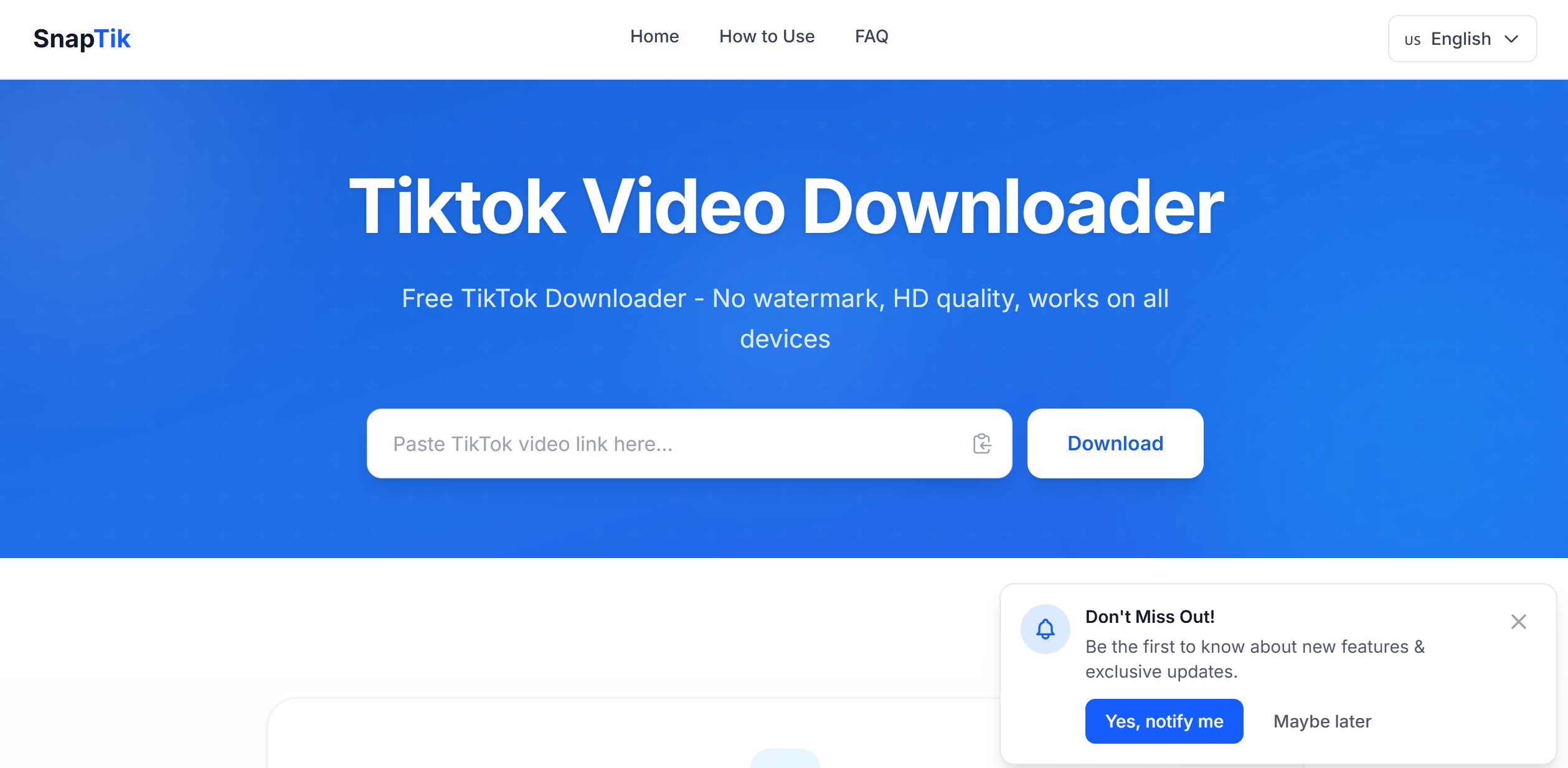
The trade-off is that, like most free downloader sites, SnapTik is ad-supported. Stick to the actual download button (usually clearly labeled), and avoid any popup that opens a new tab, since that’s typically an ad rather than part of the tool itself.
2. SSSTik: best for a no-frills single download
SSSTik does one thing: paste a link, get a clean MP4 without watermark. It doesn’t try to bundle in photo or slideshow tools, which makes the interface simpler if all you want is a quick video save. It’s been operating for years with a consistent, ad-light layout, and doesn’t ask for any personal or financial information.
3. MusicallyDown: best for unlimited free downloads
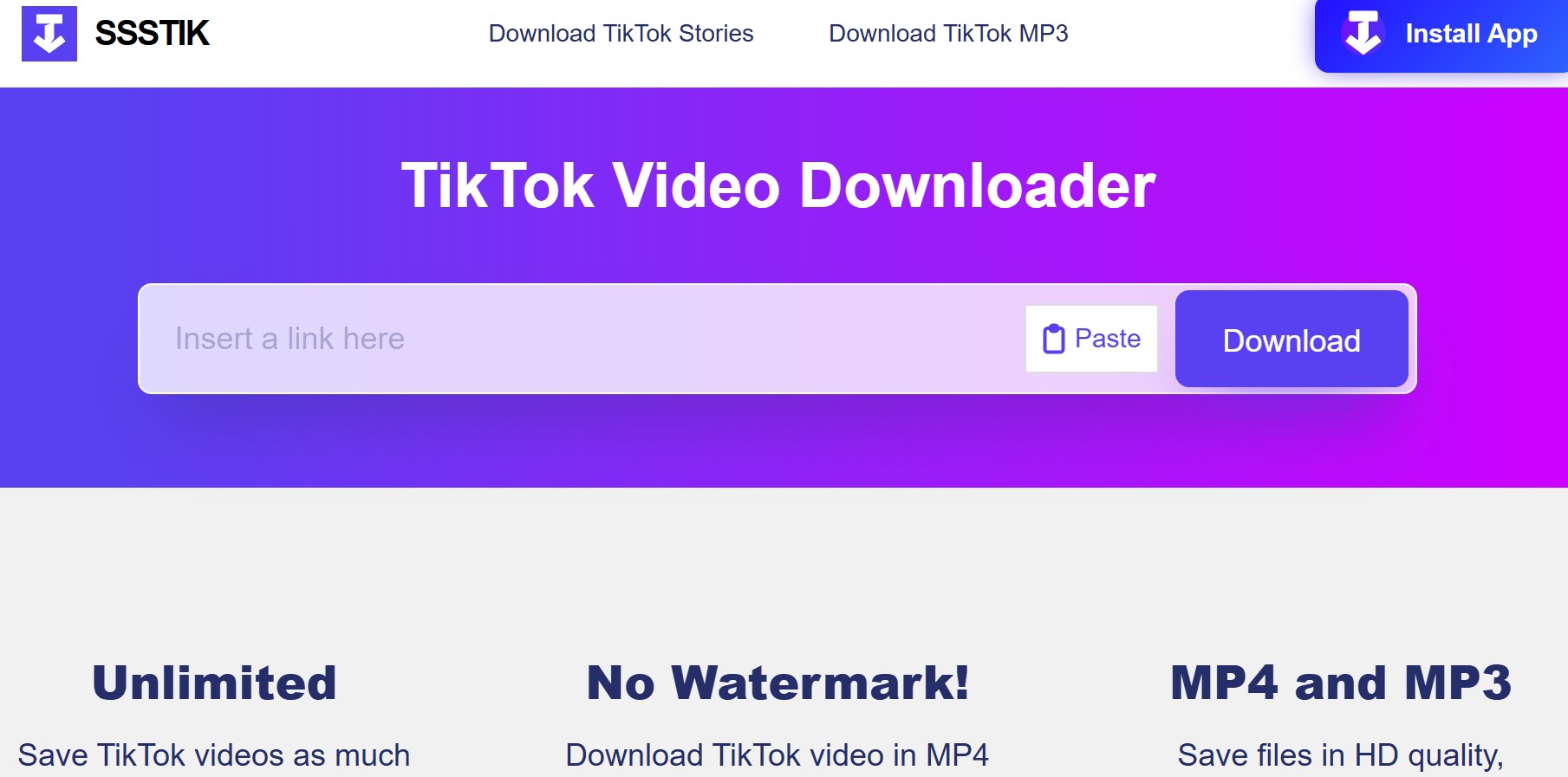
MusicallyDown has no daily download limit and no signup requirement, which some competitors quietly impose once you’ve used the tool a few times. The interface is clean by downloader-site standards, though ads are present. It’s TikTok-only, so it won’t help if you also need to save videos from other platforms.
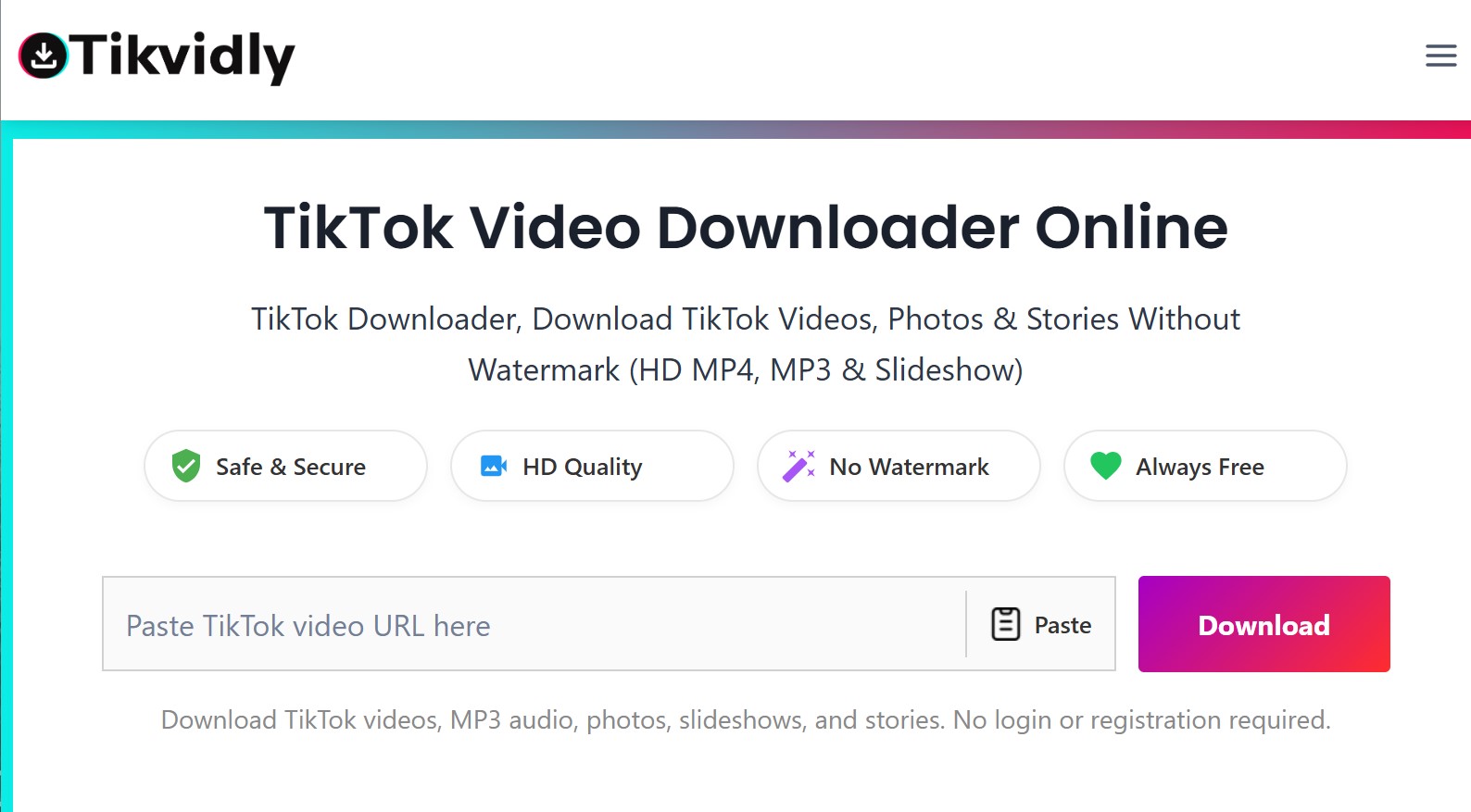
4. TikVidly: best for previewing details before you download
TikVidly shows video details (duration, views, likes, comments) before you commit to a download, which helps confirm you’ve got the right clip when working from a list of saved links. It also handles TikTok photo slideshows, converting them into MP4 with the original audio intact, a feature not every tool on this list supports.
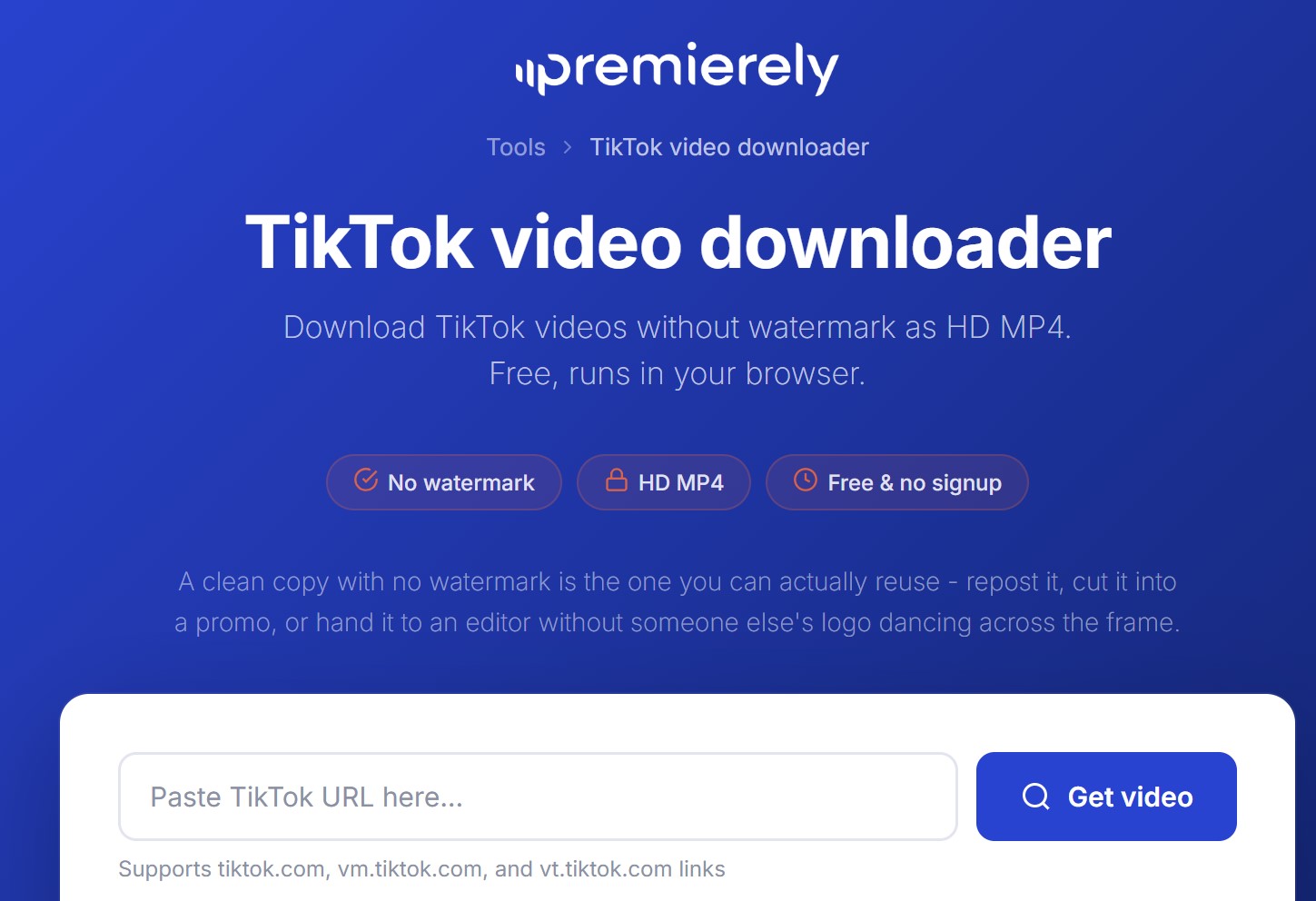
5. Premierely: best for understanding what quality you’re actually getting
Premierely is transparent about something most downloaders gloss over: TikTok serves videos in a standard stream and, for many uploads, a separate higher-bitrate HD stream, and the tool clearly labels which one you’re downloading rather than just slapping “HD” on everything. It says it doesn’t store your data and runs entirely in-browser. If you care about knowing the real source quality rather than trusting a label, this is the more honest option.
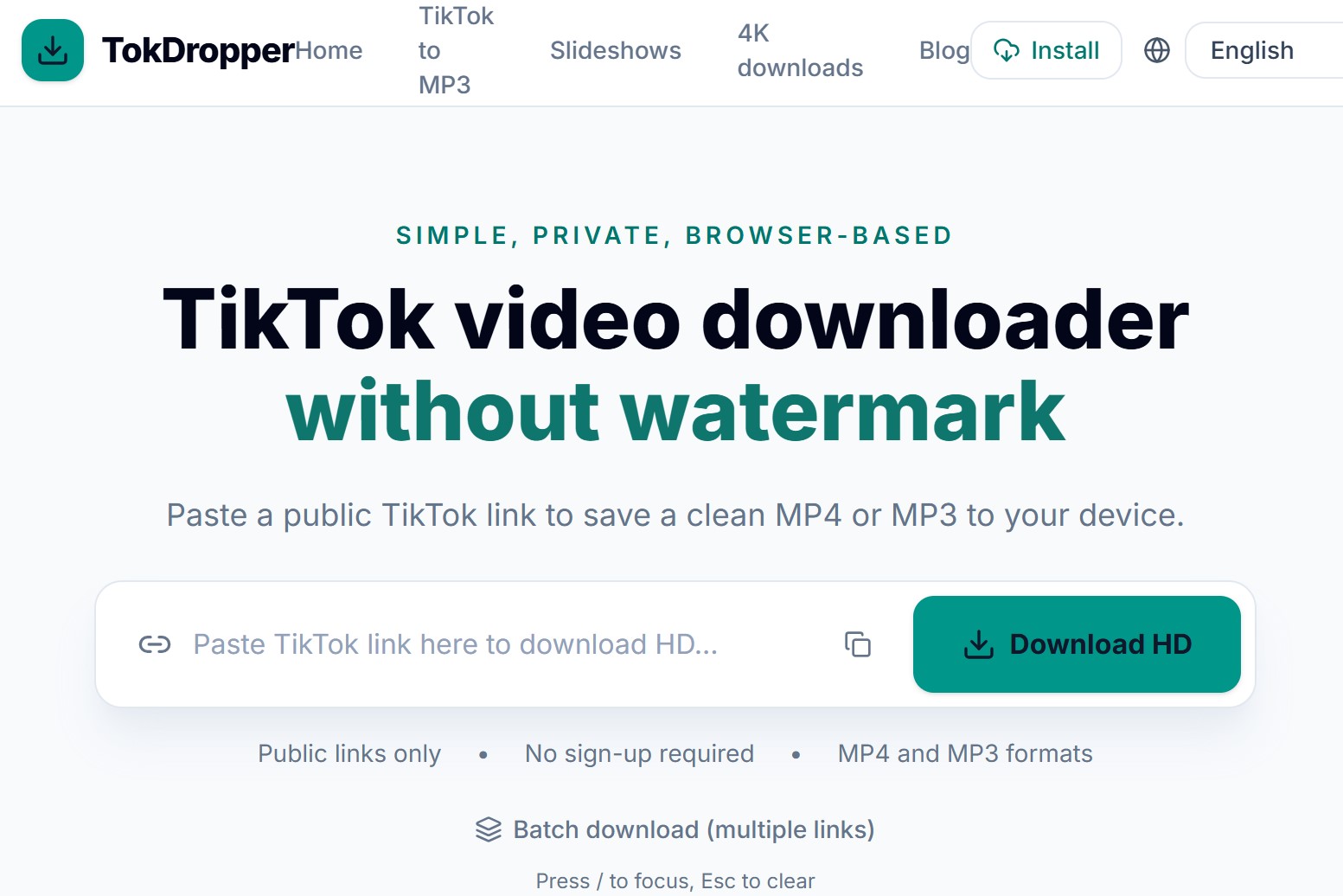
6. TokDropper: best minimalist option with no daily caps
TokDropper keeps the interface to three steps (copy, paste, download) with no account, no daily download limit, and support for up to 4K where the original video was actually uploaded at that resolution. It also extracts audio as MP3 from the same input. It’s a solid backup option if your first choice is temporarily down, which does happen with free downloader sites during high-traffic periods.
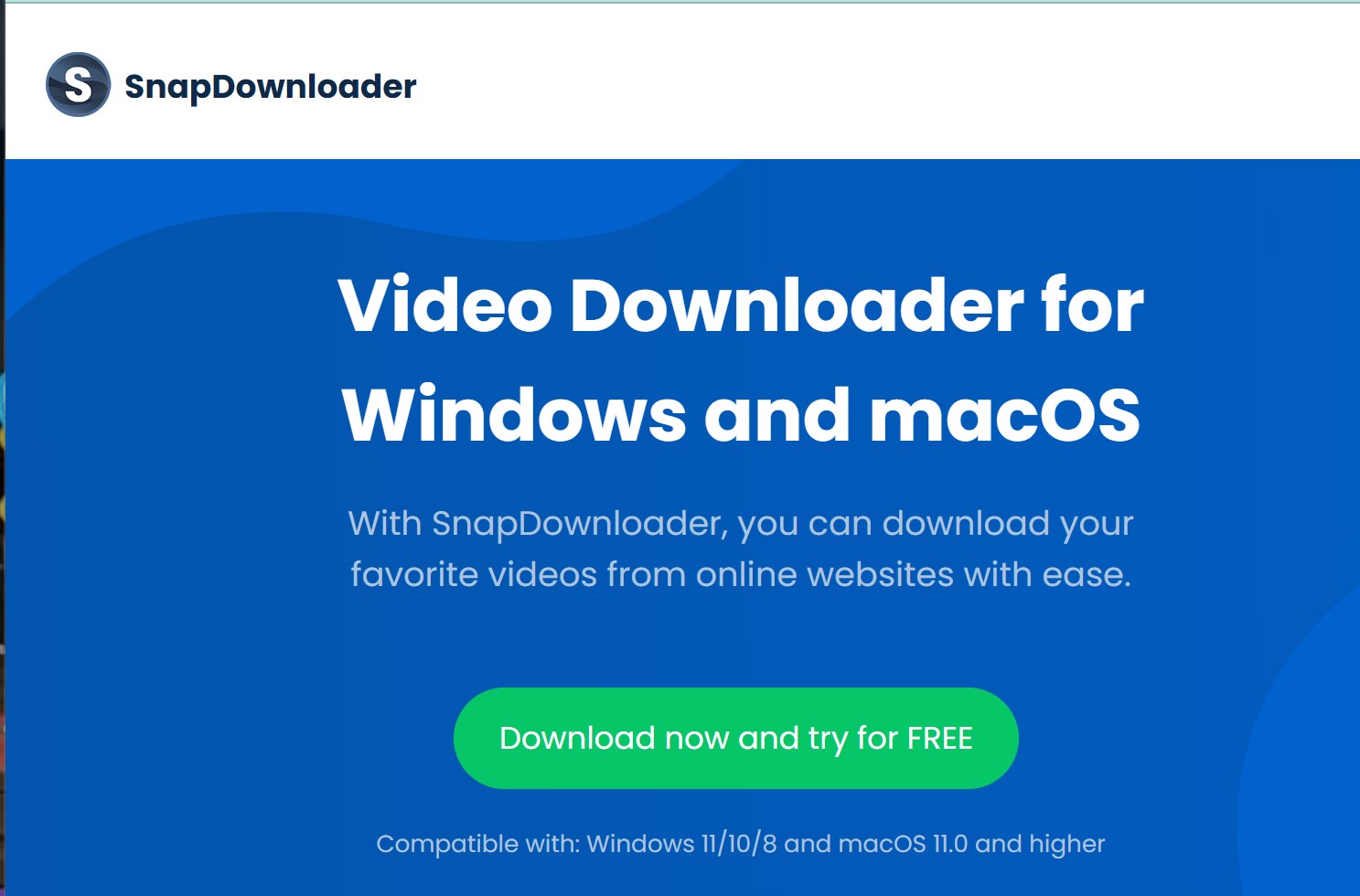
7. SnapDownloader: best for desktop batch downloads
SnapDownloader is the one paid, desktop-based option on this list, and it’s worth it specifically if you need to download many videos at once rather than one at a time in a browser. It supports batch downloading, higher-resolution exports, and works across multiple sites beyond TikTok. Pricing starts around $7.99/month, which only makes sense if you’re downloading regularly enough that the browser tools above start feeling slow.
How to download a TikTok video without watermark
- Open the TikTok app or website and find the video you want to save.
- Tap the Share icon and select Copy Link.
- Open your chosen downloader (SnapTik, SSSTik, or any tool above) in a browser.
- Paste the link into the input box and press download.
- Choose the no-watermark MP4 option, or MP3 if you only need the audio.
This same flow works across every tool on this list. The only real differences between them are the extra formats they support and how they handle ads along the way.
Is it safe to use a TikTok video downloader?
Most of the well-established tools on this list are safe in the sense that they don’t ask for your TikTok login, don’t require an app install, and don’t request payment information for basic downloads. The real risk isn’t the download itself, it’s ad-driven popups and redirects that some sites use to monetize free traffic. A legitimate downloader’s download button leads directly to your file; anything that opens a new tab, prompts an app install, or asks for personal details is an ad, not the tool.
If a site is heavy on intrusive popups or redirects you somewhere unexpected before showing a download button, close it and try one of the alternatives above instead.
Is it legal to download TikTok videos?
Downloading a video you created yourself, or one a creator has explicitly given you permission to use, is not a legal problem. Downloading someone else’s video for personal offline viewing is generally low-risk, but reposting it elsewhere without credit or permission can be copyright infringement, regardless of whether the watermark is removed. Public availability doesn’t cancel out copyright, so treat downloaded clips as the creator’s property unless you have clear permission to reuse them.
Private and followers-only videos can’t be downloaded by any of these tools if you don’t already have access to view them, since the download depends on TikTok’s own servers serving the video publicly.
Frequently Asked Questions
What’s the best TikTok video downloader without watermark?
SnapTik is our top pick for most people, since it covers video, audio, photos, and slideshows without login, and has a long track record of staying reliable through TikTok’s platform updates.
Can I download TikTok videos on iPhone?
Yes. All the browser-based tools on this list work in Safari on iPhone the same way they work on any other browser, no app needed.
Can I download a private TikTok video?
No. Downloader tools can only fetch videos that TikTok’s servers make publicly available. Private or followers-only videos are not accessible through third-party downloaders unless you already have permission to view them.
Do TikTok downloaders cost money?
Most browser-based tools, including everything in the top 6 on this list, are free and ad-supported. Desktop tools built for batch downloading, like SnapDownloader, typically charge a monthly fee.
Conclusion
For most people, SnapTik covers everything you’ll need in one place: video, audio, photos, and slideshows, without login or app installs. If you want a simpler single-purpose tool, SSSTik or MusicallyDown are solid picks, and SnapDownloader is worth the cost only if you’re downloading in bulk regularly.
Follow VTsoft Review to find the best SaaS products for your business.
1 thought on “Best TikTok Video Downloader in 2026 (No Watermark, Free)”